Phone back check: save a snapshot, compare later (Pro)
When someone had your phone, what changed? Take a private snapshot of your apps and security settings before you hand the phone over, then compare when you get it back. The snapshot stays on your phone. In the app it is called Phone back check, and it is part of Applore Pro.
Free on Google Play · Android 8.0 and up
What it does
The snapshot check saves a record of your phone’s apps and security-related settings at one moment. Later, Applore compares the phone with that record and lists what changed, most serious first. In the app, the screen is called Phone back check.
The comparison can show:
- apps that are new, removed, reinstalled, updated or replaced with a copy signed by someone else;
- special access newly turned on for an app: accessibility, notification access or device admin;
- a different keyboard, which sees everything typed;
- a removed screen lock;
- USB debugging or developer options turned on.
Each change comes with a short explanation. For example, an app installed from outside an app store is described differently from one installed from an app store.
When it helps
Phones change hands for ordinary reasons. People use this check:
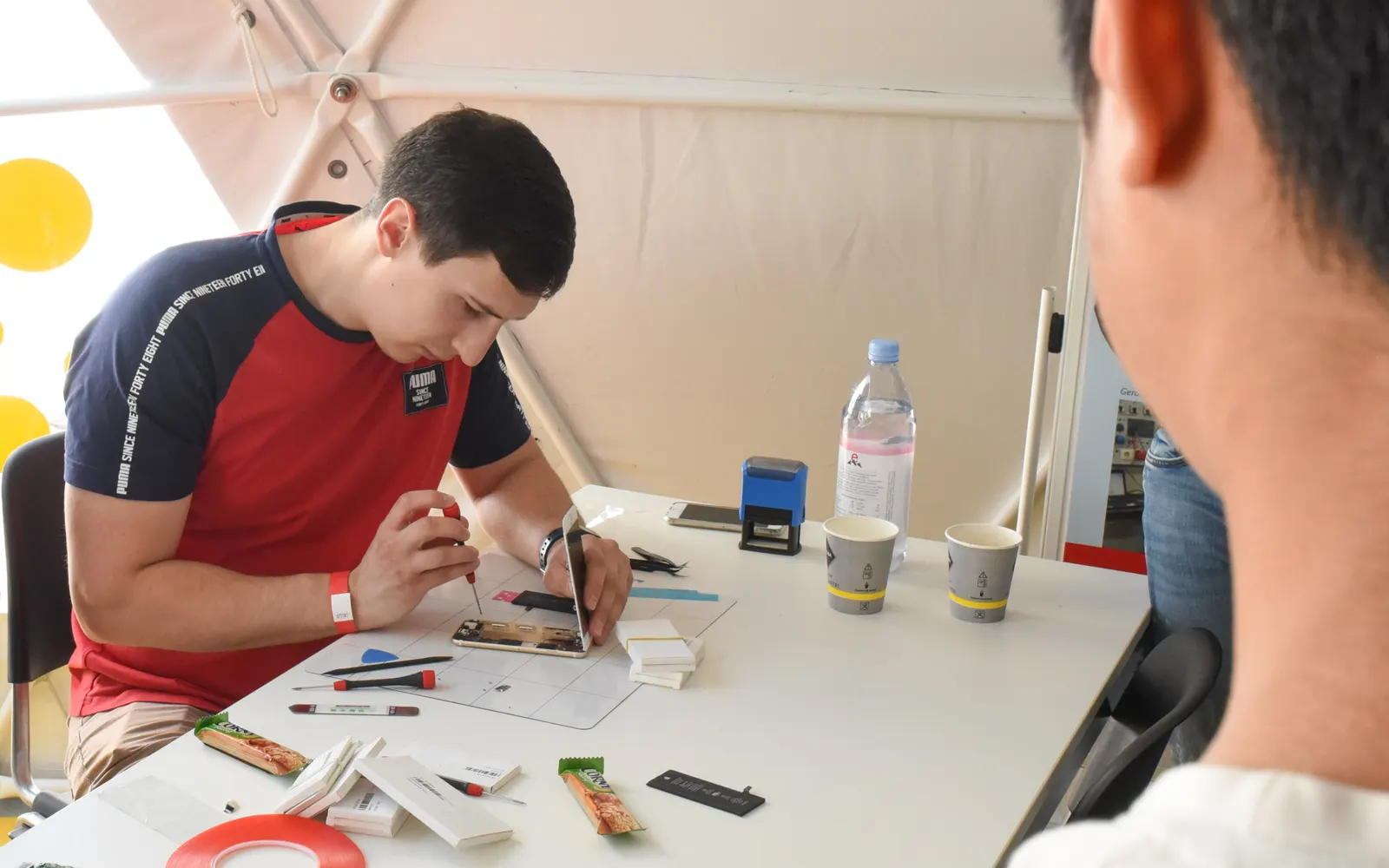
- before a phone goes to a repair shop;
- before lending a phone to a friend, a colleague or a family member;
- before leaving a phone somewhere for a while, such as at a security desk or in a locker.
How it works
- Open the Suspicious App Checker from the Security section of the Home screen, then Phone back check under Safety toolkit.
- While the phone is in your hands, tap Take snapshot.
- Hand the phone over, or leave it, as planned.
- When you have the phone back, tap Check my phone.
- Review the list of changes. If nothing changed, Applore says so and suggests Safety Check if something still feels wrong.
Only take a new snapshot while the phone is in your hands. Anything changed before a new snapshot will not show up in the next check.
What stays on your phone
The snapshot and the comparison are stored and processed only on your phone. They are not sent to Applore or to anyone else. Deleting the snapshot, clearing Applore’s data or uninstalling Applore removes it. See the privacy policy.
Free and Pro
| Feature | Applore Free | Applore Pro |
|---|---|---|
| Phone back check (snapshot and compare) | Not included | Included |
| Suspicious App Checker (known stalkerware check) | Included | Included |
| Safety Check | Included | Included |
See pricing in the app on Google Play.
In Applore Free, the screen explains the check and shows an upgrade button. Compare Free and Pro.
Good to know
- A change is information, not proof. App stores update apps on their own, and you may have changed a setting yourself. Review anything you did not change.
- It compares two moments. It cannot see everything an app does, and it will not catch every kind of monitoring.
- It cannot see what happened before the snapshot. Take the snapshot before the phone leaves your hands.
- Someone with access to the phone can uninstall Applore, which removes the snapshot too.
For a step-by-step list of things to look at, read someone had your phone: what to check. All safety guides are in phone safety guides.
Questions
Is the snapshot check free?
No. The snapshot check is part of Applore Pro. In Applore Free you can open the screen to see what it does, with a button to upgrade. The check for known stalkerware (Suspicious App Checker) and Safety Check stay free for everyone, with no ads on the safety screens. Compare Free and Pro.
Where is the snapshot stored?
Only on your phone. The snapshot and the comparison are stored and processed on the device and are never uploaded to Applore or anyone else. Deleting the snapshot in the app, clearing Applore's data or uninstalling Applore removes it. Privacy policy.
Does a change in the comparison mean someone tampered with my phone?
Not necessarily. Many changes have ordinary causes: app stores update apps automatically, and you may have changed a setting yourself. A change is information to review, not proof. If you did not make a change that is listed, look at it more closely, and consider running Safety Check as well.
What does the snapshot include?
It records which apps are installed and their signatures, which apps have accessibility access, notification access or device admin rights, your keyboard, whether a screen lock is set, and whether developer options and USB debugging are on. It does not include your photos, messages, files or passwords.
Related
Get Applore on Google Play
Manage apps and files, lock private apps, and check for known stalkerware.